Fundamental HTML Tags
Below you will find explanations and examples of some essential tags in HTML
1. <h1> and <h2> Tags — Structure
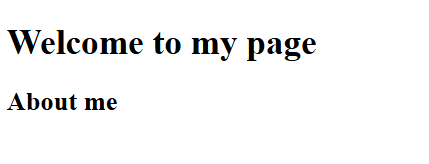
Header tags allow you to organize the hierarchical structure of a web page
<h1>Welcome to my page</h1>
<h2>About me</h2>
More information: W3Schools — HTML Headings
2. <a> Tag — Links
reates a hyperlink to another website, document, or internal section
<a href="https://www.google.com" title="Ir a Google">

 Go to Google

</a>

More information: W3Schools — <a> Tag
3. <img> Tag — Images
Inserts images into the page. It does not have a closing tag
<img src="imagenes/logo.png" alt="Example logo" width="200">

More information: W3Schools — <img> Tag
4. <form> Tag — Forms
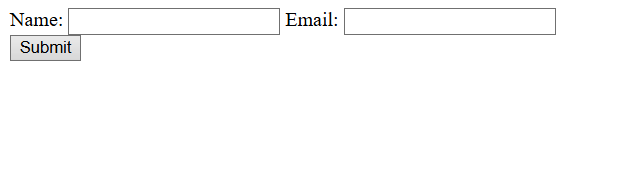
Allows sending data to the server
<form action="process.php" method="post">
  <label>Name:</label>
  <input type="text" name="name">

  <label>Email:</label>
  <input type="email" name="email">

  <input type="submit" value="Submit">
</form>
More information: W3Schools — HTML Forms
5. <table> Tag — Tables
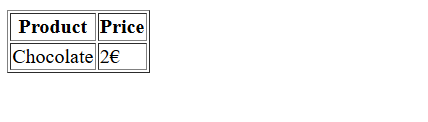
Organizes data into rows and columns
<table border="1">
  <tr>
    <th>Product</th>
    <th>Price</th>
  </tr>
  <tr>
    <td>Chocolate</td>
    <td>2€</td>
  </tr>
</table>
More information: W3Schools — HTML Tables